
Crossover IT
Newsletter
Crossover IT Newsletter delivers the latest tech trends, insights, and practical tips, helping IT pros and enthusiasts stay ahead and sharpen their skills in a rapidly evolving digital world.

Recent Blog Posts

Event Logging Best Practices
Today’s businesses are no stranger to the word cybersecurity. They are facing a growing wave of cyberattacks. These come from ransomware to sophisticated phishing schemes. How do you stand ahead of these threats? A strong cybersecurity strategy is essential. One crucial component of this strategy is event logging. It’s one that not every business owner is aware of.
Google Search Malvertising
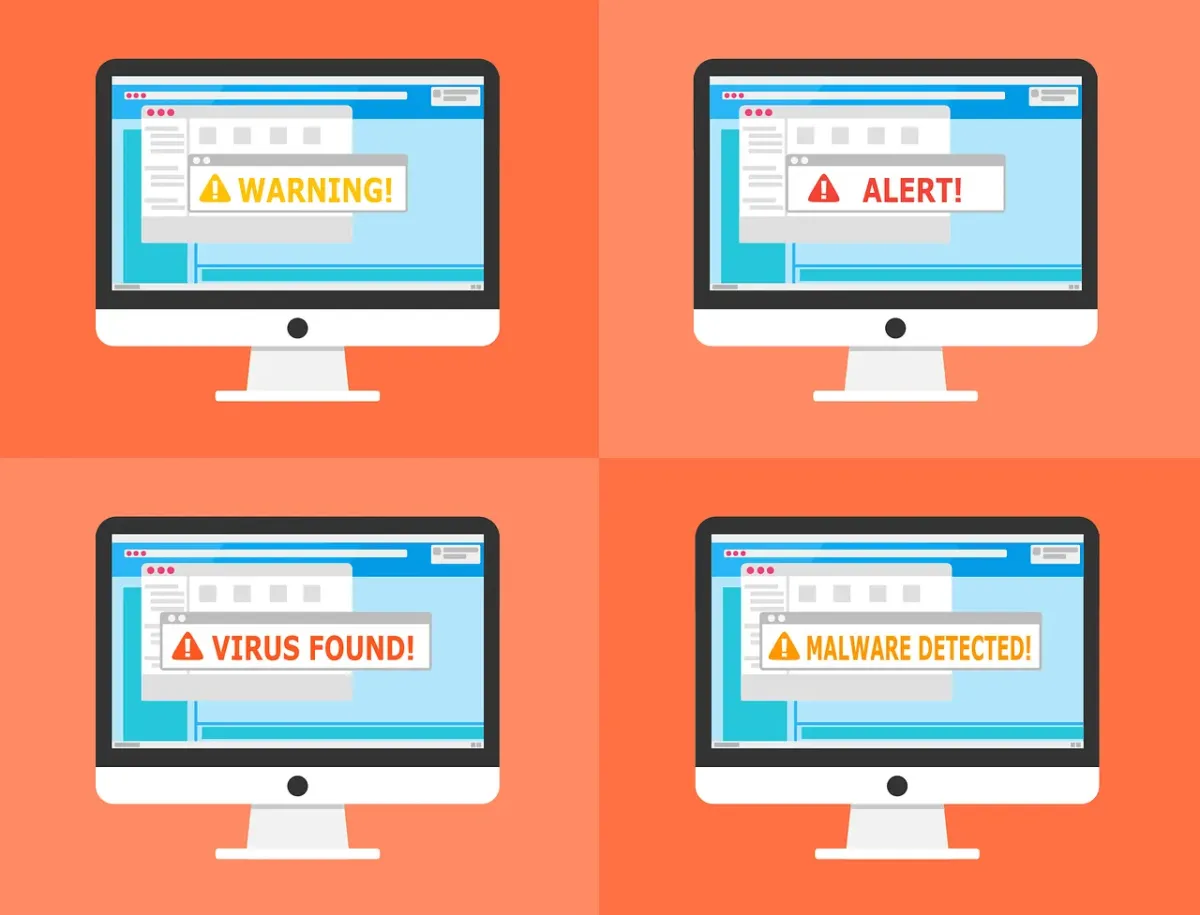
There are many types of malware. One of the most common is called “malvertising.” It crops up everywhere. Including social media sites and websites. You can also see these malicious ads on Google searches.
Two things are making malvertising even more dangerous. One is that hackers use AI to make it very believable. The other is that it’s on the rise, according to Malwarebytes. In the fall of 2023,
malvertising increased by 42% (month over month)
.

Embrace Cashless Evolution
Discover the essential tech tools that can help micro and small businesses streamline operations, improve customer engagement, and scale sustainably. From cloud solutions to CRM platforms, this guide breaks down affordable and scalable options for every MSB.
Data Breach Notice
When it happens, you feel powerless. You get an email or letter from a business saying someone breached your data. It happens all too often today.
Data breaches happen at banks, online sites like Facebook, and ecommerce stores. Not only that, but governments are also victims. This leaves things like your address, SSN, and credit card details exposed to thieves.
A business getting hacked is something you have little control over. But you can take important steps afterwards. We’ve outlined the most important things to do below. These steps can help you mitigate the financial losses.
Read more from our Blogs

How Do Websites Use My Data? (Best Practices for Data Sharing)
How Do Websites Use My Data? (Best Practices for Data Sharing)
We use the internet every day—often without giving a second thought to what we’re giving up in return. From names and emails to browsing habits and buying preferences, websites collect more than we might expect. But what happens after that data is collected? How is it shared, stored, or even sold?
Understanding how websites use your data is essential for protecting privacy and making informed choices. For small to medium businesses (SMBs) in Newcastle, this also raises operational questions: How should you collect and manage customer data responsibly?
At Crossover IT, we help Newcastle’s SMBs secure their digital systems and operate with transparency. Here's what you need to know about website data practices and how to manage them responsibly.
What Kind of Data Do Websites Collect?
Every website visit leaves a trail—some of it obvious, most of it invisible. Websites collect data in two main ways:
1. First-party data
Collected directly through interactions like forms, checkouts, or account signups. This includes:
Email addresses
Phone numbers
Purchase history
Page visits
2. Third-party data
Gathered indirectly through tracking tools (think: ad platforms, social media pixels, or cookies placed by partners). This might include:
Location data
Device information
Behavioral trends across other websites
The purpose? Usually personalization, advertising, or analytics. But depending on how it’s handled, this data can become a liability—especially if shared without proper consent or protection.
How Is Data Shared?
Data sharing is common—and not always transparent.
How It Works:
APIs allow platforms to pull data in real time.
Cloud storage hosts data that's accessible to third parties.
Advertising networks exchange user behavior to target ads.
Why It Matters:
While data sharing can enhance user experience and enable integration between services, it also raises questions:
Is the data anonymized?
Has the user consented?
Who can access it—and how long is it stored?
For businesses, poor data handling isn't just a technical oversight. It can breach trust, violate laws, and damage your reputation.
Best Practices for Managing Data on Your Website
Responsible data use starts with clear policies and good systems. Whether you're running a lead capture form or an eCommerce checkout, here’s what to keep in mind:
✅ Only Collect What You Need
Don’t ask for a phone number if an email will do. The less you collect, the less you need to protect.
✅ Use Encryption
Data should be encrypted both in transit (when sent) and at rest (when stored).
✅ Be Transparent
Make your privacy policy easy to find and easy to understand. Tell users what you're collecting and why.
✅ Offer User Control
Let users opt in, opt out, or delete their data entirely. It's not just good ethics—it’s increasingly the law.
✅ Keep Software Updated
Outdated plugins and platforms are a top entry point for breaches. Regular updates and audits are essential.
As an MSP for SMBs in Newcastle, Crossover IT can help you implement these standards without disrupting your daily operations.
Why Data Privacy Is More Than Just a Checkbox
Data privacy isn’t about avoiding trouble—it’s about building trust. Customers are becoming more aware of how their information is used, and they’re more likely to support businesses that respect their privacy.
Key Regulations to Know:
GDPR (EU): Requires clear consent and gives users the right to access and delete their data.
CCPA (US): Similar principles with a focus on consumer rights and transparency.
Even if you're not directly governed by these laws, aligning with them sets you up for long-term trust and compliance as global standards evolve.
What Can Users Do to Protect Their Own Data?
Privacy isn’t just the website’s job. Here are steps users can take to stay in control:
Use privacy tools like ad blockers and tracking protection extensions
Read the privacy policy before signing up or making a purchase
Be selective about what you share—and with whom
Use strong, unique passwords and enable two-factor authentication
For SMB owners, it’s worth educating your staff and customers about these best practices. It promotes transparency—and reduces risk for everyone involved.
Final Thoughts: Data Done Right
Data is powerful—but only when handled with care. Whether you're a user or a business owner, understanding how data is collected and shared is the first step toward safer, smarter digital choices.
At Crossover IT, we help businesses across Newcastle secure their websites, comply with regulations, and build customer trust through better data practices.
Want to review your current data collection or privacy setup?
Contact Crossover IT — your trusted MSP for SMBs in Newcastle — for expert guidance and practical solutions tailored to your business.


Innovation
Fresh, creative solutions.

Integrity
Honesty and transparency.

Excellence
Top-notch services.

FOLLOW US


COMPANY
CUSTOMER CARE
LEGAL
Copyright © 2024. CROSSOVERIT. All Rights Reserved. Newcastle, Australia.