
Data Breach Notice
When it happens, you feel powerless. You get an email or letter from a business saying someone breached your data. It happens all too often today.
Data breaches happen at banks, online sites like Facebook, and ecommerce stores. Not only that, but governments are also victims. This leaves things like your address, SSN, and credit card details exposed to thieves.
A business getting hacked is something you have little control over. But you can take important steps afterwards. We’ve outlined the most important things to do below. These steps can help you mitigate the financial losses.
Change Your Passwords
The very first thing you should do is change your passwords. Change the password for the service that sent you the breach notification first. Then, change it for any logins using the same password.
This is one of the reasons it’s a best practice to use unique logins for every site. Many people get in the habit of using the same password in several places. This leaves more than the single breached login at risk. Use a password manager to help you create strong passwords. You only need to remember one to access all the others.
Enable Multifactor Authentication (MFA)
Multifactor authentication can keep accounts secure, even if a hacker stole the password. Enable it for the breached service. Then, ensure you have MFA activated for all other logins, where possible. MFA is also called two-factor authentication or two-step verification.
Common forms of MFA are:
Text message
Authentication app
Security key
Image
Check Your Bank Accounts
If payment card details were breached, check bank accounts. You’ll want to watch these for several weeks for fraudulent charges. Report the breach to your bank to have them issue you a new card, if needed.
Notify your bank about the 3rd party data breach. This can help keep you from being held responsible for fraudulent charges. It’s good to get out ahead of it. Your bank can then help you with appropriate steps to avoid fraud.
Image
Freeze Your Credit
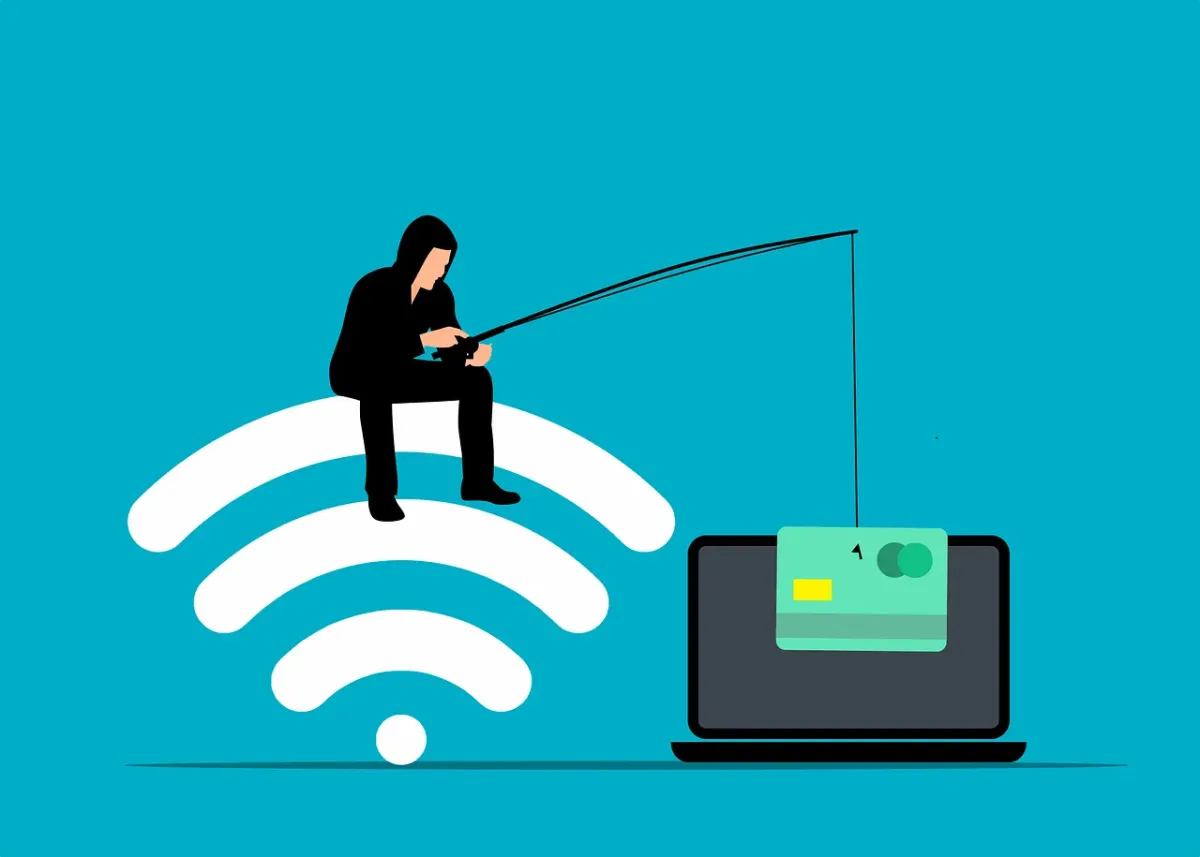
Online criminals will often sell breached personal details. These details can enable someone to take out credit in your name. Contact the three credit agencies. They each have ways to freeze your credit to protect you. You can do this right on their websites.
The three credit agencies are:
Equifax
Experion
TransUnion
Carefully Review the Breach Notification
It’s important to understand exactly how the data breach may impact you. Review the notice you received. Additionally, look for updates on the company website.
These are the things you should be looking for:
The type of data exposed (passwords, card numbers, etc.)
What reparations the company is making (e.g., credit monitoring)
Any instructions given to secure your account
Regularly check the company’s website. Often, they don’t immediately know how far reaching the breach is. You may check back later and find out other types of sensitive data were exposed.
Get Good Cybersecurity Options
Make sure you protect your device and network. There are some simple tools you can use to beef up personal device security. These include:
A good antivirus/anti-malware program
DNS filtering to block malicious sites
Email spam filtering for phishing
Another good protection you can use is a VPN. This helps mask your traffic. It is especially helpful if you’re using a public Wi-Fi. VPNs are easy to use. You can use VPNs for both computers and mobile devices.
Be on the Lookout for Phishing Scams
Emails are often exposed in data breaches. This means you may receive an uptick in phishing emails. Phishing is very convincing since criminals have AI at their disposal. Phishing emails often are hard to spot from the real thing.
Stay ultra-aware of any unexpected emails. Follow best practices to avoid becoming a phishing victim:
Hover over links to see them
Go to websites directly
. Don’t click email or SMS links
Beware of unknown senders
Watch for phishing on social media and text messages
When in doubt, double check through an official source
Make Sure to Update Software and Systems
Hackers often exploit unpatched vulnerabilities. How do you get unpatched vulnerabilities? Most times it’s from failing to keep software updated.
Make sure to update your device operating system. Update all apps or software on your devices. Update firmware for routers and printers. Update firmware for smart devices.
There are so many updates we need to do with our electronics. Automating your updates is a good way to stay protected.
Managed Security Services You Can Count On
The cashless revolution is here. It’s time for small businesses to embrace it. By adopting digital payments, you can enhance your customer experience as well as improve efficiency and reduce costs.
As your trusted IT partner, we're here to support you every step of the way. Let's make the transition to cashless payments a seamless one for your business.
Reach out by phone or email to schedule a chat today.
Read more from our Blogs

Remote Work Security Revisited: Advanced Strategies for Protecting Your Business in 2025
Remote and hybrid work aren’t going anywhere. For many small to medium businesses (SMBs) in Newcastle, flexible work models have become the new normal. But with that flexibility comes higher security risks — from unsecured home Wi-Fi to personal devices accessing sensitive data.
At Crossover IT, we help Newcastle’s SMBs stay ahead of these challenges with advanced security strategies built for today’s distributed teams. Here’s how to strengthen your remote work security in 2025 and beyond.
The New Remote Reality
A recent Gartner study showed that 76% of employees expect flexible work options as a standard benefit. That means your business needs to treat remote security as a permanent priority, not a short-term fix.
Modern attackers are targeting:
Weak passwords
Unpatched software
Unsecured personal devices
Employees working on public Wi-Fi
Strong, layered defences are no longer optional.
Advanced Strategies to Strengthen Remote Security
1. Embrace Zero Trust Architecture
Zero Trust means assuming no device or user is automatically trustworthy — even inside your own network.
How to apply it:
Enforce strict identity verification
Limit access to only what each user needs
Continuously monitor activity for red flags
Platforms like Microsoft Entra or Okta help small businesses build Zero Trust policies without enterprise-level budgets.
2. Deploy Endpoint Detection and Response (EDR)
Legacy antivirus isn’t enough. EDR tools give you 24/7 visibility, advanced threat detection, and automated responses when something suspicious happens.
Benefits of EDR:
Monitors behaviour, not just signatures
Automates quarantine of infected devices
Integrates with your broader security stack
3. Strengthen Secure Access with Modern Tools
Traditional VPNs can be slow and vulnerable. Instead, look at secure access alternatives like:
Software-Defined Perimeter (SDP)
Secure Access Service Edge (SASE)
Cloud Access Security Brokers (CASB)
These provide faster, more granular access controls — ideal for remote teams.
4. Automate Patch Management
Outdated software is a hacker’s dream. Automate your patching process so updates happen consistently and quickly. Remote Monitoring and Management (RMM) tools make this simple for SMBs.
5. Build a Security-First Culture
Even the best technology can’t protect you if employees ignore good practices. Prioritise training and make security part of your workplace DNA:
Run simulated phishing tests
Share simple, jargon-free policies
Tie security KPIs to leadership reviews
6. Implement Data Loss Prevention (DLP)
Remote work means data travels everywhere. DLP solutions monitor, classify, and protect sensitive information as it moves across devices and cloud platforms.
Tip: Solutions like Microsoft Purview or Symantec DLP work seamlessly with other business tools.
7. Centralise Security Monitoring with SIEM
Security Information and Event Management (SIEM) tools unify your security data and automate responses. A modern SIEM can:
Correlate events across endpoints, networks, and cloud
Detect anomalies with machine learning
Simplify compliance reporting
Building a Resilient Remote Work Framework
Modern cybersecurity is about adaptation. Remote teams need flexible, scalable systems that evolve with them. Look for:
Modular, cloud-native tools
Integrations with your current apps
Support for hybrid work scenarios
Partnering with a local MSP for SMBs in Newcastle, like Crossover IT, ensures your systems stay protected without adding unnecessary complexity.
Need help building a secure remote work environment?
Contact Crossover IT — Newcastle’s trusted MSP — and stay one step ahead of evolving cyber threats.


Innovation
Fresh, creative solutions.

Integrity
Honesty and transparency.

Excellence
Top-notch services.

FOLLOW US


COMPANY
CUSTOMER CARE
LEGAL
Copyright © 2024. CROSSOVERIT. All Rights Reserved. Newcastle, Australia.