
Data Breach Notice
When it happens, you feel powerless. You get an email or letter from a business saying someone breached your data. It happens all too often today.
Data breaches happen at banks, online sites like Facebook, and ecommerce stores. Not only that, but governments are also victims. This leaves things like your address, SSN, and credit card details exposed to thieves.
A business getting hacked is something you have little control over. But you can take important steps afterwards. We’ve outlined the most important things to do below. These steps can help you mitigate the financial losses.
Change Your Passwords
The very first thing you should do is change your passwords. Change the password for the service that sent you the breach notification first. Then, change it for any logins using the same password.
This is one of the reasons it’s a best practice to use unique logins for every site. Many people get in the habit of using the same password in several places. This leaves more than the single breached login at risk. Use a password manager to help you create strong passwords. You only need to remember one to access all the others.
Enable Multifactor Authentication (MFA)
Multifactor authentication can keep accounts secure, even if a hacker stole the password. Enable it for the breached service. Then, ensure you have MFA activated for all other logins, where possible. MFA is also called two-factor authentication or two-step verification.
Common forms of MFA are:
Text message
Authentication app
Security key
Image
Check Your Bank Accounts
If payment card details were breached, check bank accounts. You’ll want to watch these for several weeks for fraudulent charges. Report the breach to your bank to have them issue you a new card, if needed.
Notify your bank about the 3rd party data breach. This can help keep you from being held responsible for fraudulent charges. It’s good to get out ahead of it. Your bank can then help you with appropriate steps to avoid fraud.
Image
Freeze Your Credit
Online criminals will often sell breached personal details. These details can enable someone to take out credit in your name. Contact the three credit agencies. They each have ways to freeze your credit to protect you. You can do this right on their websites.
The three credit agencies are:
Equifax
Experion
TransUnion
Carefully Review the Breach Notification
It’s important to understand exactly how the data breach may impact you. Review the notice you received. Additionally, look for updates on the company website.
These are the things you should be looking for:
The type of data exposed (passwords, card numbers, etc.)
What reparations the company is making (e.g., credit monitoring)
Any instructions given to secure your account
Regularly check the company’s website. Often, they don’t immediately know how far reaching the breach is. You may check back later and find out other types of sensitive data were exposed.
Get Good Cybersecurity Options
Make sure you protect your device and network. There are some simple tools you can use to beef up personal device security. These include:
A good antivirus/anti-malware program
DNS filtering to block malicious sites
Email spam filtering for phishing
Another good protection you can use is a VPN. This helps mask your traffic. It is especially helpful if you’re using a public Wi-Fi. VPNs are easy to use. You can use VPNs for both computers and mobile devices.
Be on the Lookout for Phishing Scams
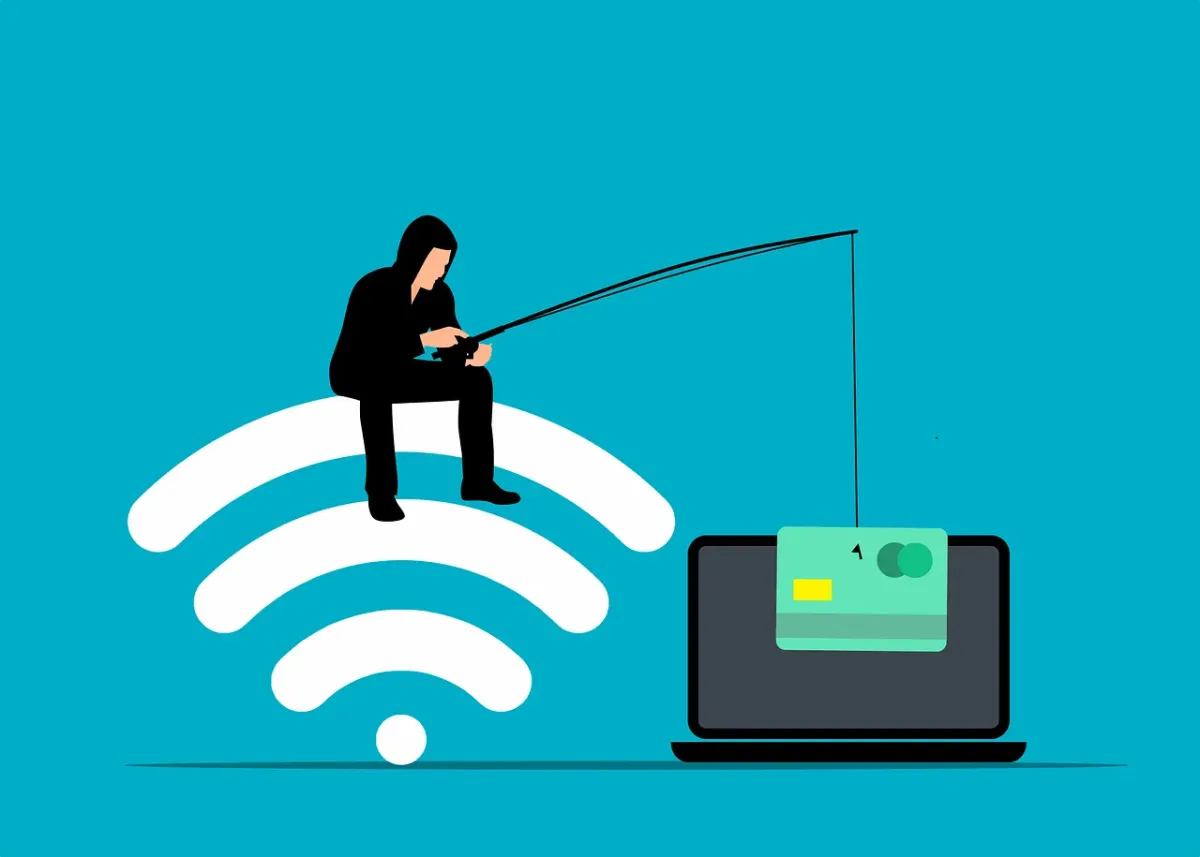
Emails are often exposed in data breaches. This means you may receive an uptick in phishing emails. Phishing is very convincing since criminals have AI at their disposal. Phishing emails often are hard to spot from the real thing.
Stay ultra-aware of any unexpected emails. Follow best practices to avoid becoming a phishing victim:
Hover over links to see them
Go to websites directly
. Don’t click email or SMS links
Beware of unknown senders
Watch for phishing on social media and text messages
When in doubt, double check through an official source
Make Sure to Update Software and Systems
Hackers often exploit unpatched vulnerabilities. How do you get unpatched vulnerabilities? Most times it’s from failing to keep software updated.
Make sure to update your device operating system. Update all apps or software on your devices. Update firmware for routers and printers. Update firmware for smart devices.
There are so many updates we need to do with our electronics. Automating your updates is a good way to stay protected.
Managed Security Services You Can Count On
The cashless revolution is here. It’s time for small businesses to embrace it. By adopting digital payments, you can enhance your customer experience as well as improve efficiency and reduce costs.
As your trusted IT partner, we're here to support you every step of the way. Let's make the transition to cashless payments a seamless one for your business.
Reach out by phone or email to schedule a chat today.
Read more from our Blogs

How to Choose the Right Cloud Storage for Your Small Business
Cloud storage has become the backbone of modern business. It offers flexibility, collaboration, and scalability, but choosing the wrong service can leave your business vulnerable or cost you more than you expect.
For small to medium businesses (SMBs) in Newcastle, picking the right cloud solution is about balancing features, security, and budget. At Crossover IT, we help businesses navigate these choices every day — here’s what you need to know.
Why Cloud Storage Matters
Cloud storage goes far beyond simply storing documents. It enables:
Remote and hybrid teams to collaborate
Secure off-site backups
Scalable, cost-effective data growth
Better disaster recovery
According to TechRepublic, over 90% of businesses saw security improvements after migrating to the cloud — a powerful reason to invest in the right platform.
Key Factors When Choosing Cloud Storage
1. Understand Your Data
Not all data is created equal. Start by auditing:
How much data you store
What portion is active vs. archived
How quickly that data is growing
Different industries have different storage needs — a design agency needs far more media capacity than an accounting firm.
2. Set Your Budget
Don’t get trapped by “cheap” plans with hidden fees. Look for:
Transparent pricing
Data transfer or retrieval costs
Compliance or security upgrades
Also decide whether you need a predictable monthly rate or a pay-as-you-go plan for seasonal workloads.
3. Prioritise Security and Compliance
For Newcastle businesses handling customer data, security is non-negotiable. Choose a provider that offers:
End-to-end encryption
Multi-Factor Authentication (MFA)
Compliance certifications (e.g., GDPR, HIPAA)
Robust data recovery options
4. Think About Scalability
Your storage needs will change as you grow. The best cloud providers make it easy to:
Upgrade space
Add new users
Integrate advanced tools like automation or analytics
5. Focus on Usability and Integrations
If your team can’t use the platform easily, they won’t use it at all. Look for:
Clean, intuitive interfaces
Easy file sharing and collaboration features
Integrations with Microsoft 365, Google Workspace, or your CRM
6. Compare Popular Options
Here’s a quick breakdown of some popular providers:
Google Drive: Great for collaboration and integration with Google Workspace
OneDrive: Seamless for Microsoft users
Dropbox: User-friendly and strong on media file handling
Box: Best for advanced security and compliance features
Common Cloud Storage Mistakes to Avoid
Ignoring compliance requirements: Double-check certifications
Choosing based on price alone: Features and security matter
Overlooking scalability: Plan for growth
Neglecting backup and redundancy: Data in the cloud still needs backup
Ready to Future-Proof Your Storage?
Cloud storage is critical for a modern, resilient business. Choosing the right provider saves money, protects data, and empowers your team to work efficiently.
If you need help navigating your options or implementing a secure, scalable solution, Crossover IT is here to support Newcastle SMBs with expert advice and managed IT services.


Innovation
Fresh, creative solutions.

Integrity
Honesty and transparency.

Excellence
Top-notch services.

FOLLOW US


COMPANY
CUSTOMER CARE
LEGAL
Copyright © 2024. CROSSOVERIT. All Rights Reserved. Newcastle, Australia.